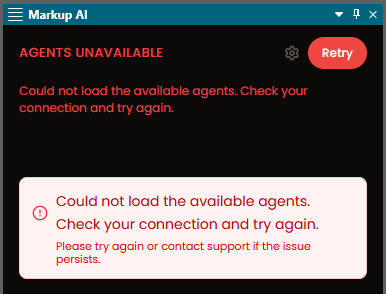
In the Markup AI panel in Flare, I’m getting the following message:
Could not load the available agents.
Check your connection and try again.
Please try again or contact support if the issue
persists
Hi Ashley!
My apologies for the delay. We looked into this and it appears this error may be related to authentication. Could you try to completely sign out of the Markup AI console and sign in again using the SSO option? If that doesn’t work, could you try in a different browser/incognito and see if that solves the issue?
Thanks, Tyler! I eventually got it to work. It was related to the Microsoft SSO.